15 Gmail Connector
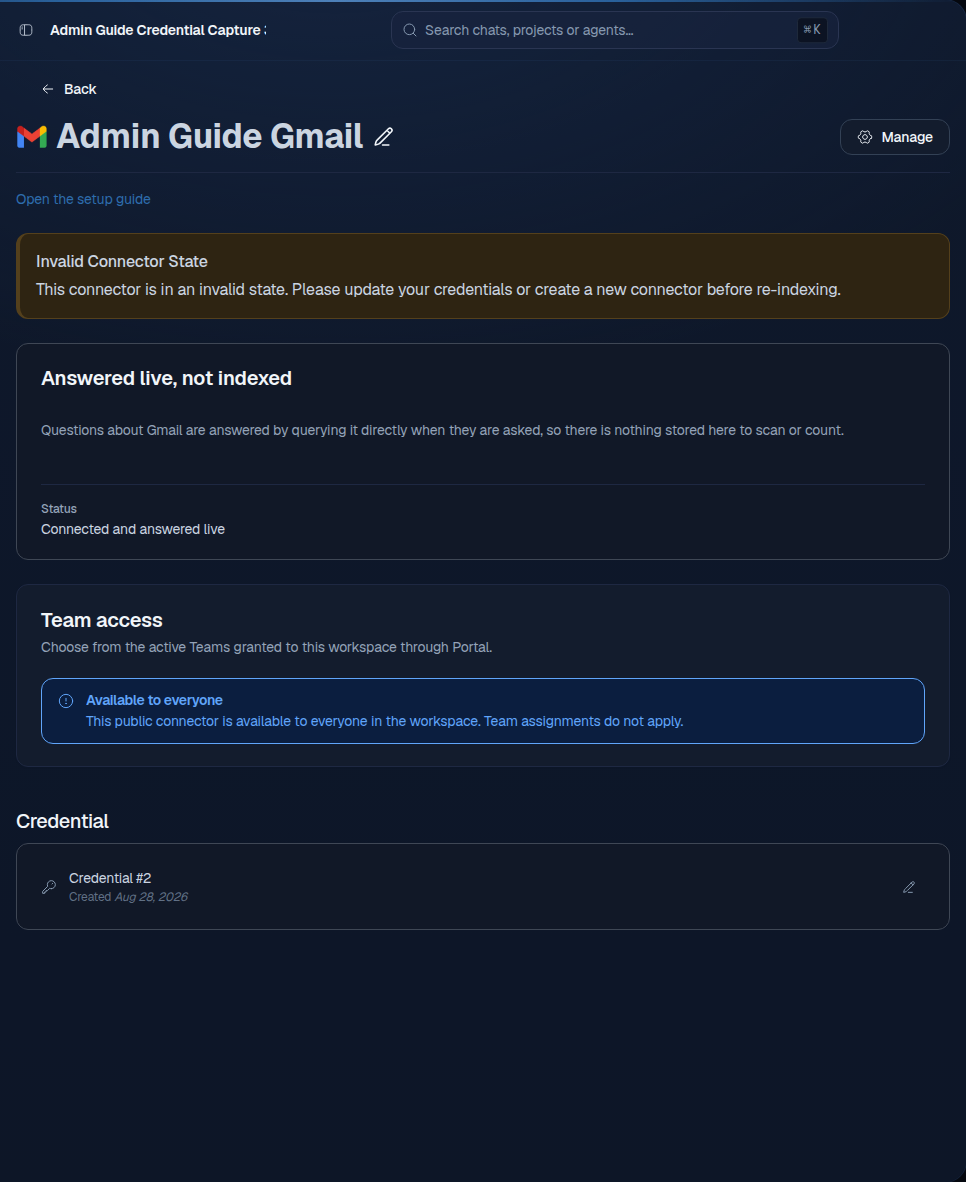
Gmail in the current customer flow is a personal live connection. It answers questions from the signed-in member’s mailbox at request time.
15.1 What is indexed or searched live
Gmail messages are searched live. Mail is not copied into the workspace search index, Knowledge Search, or document sets. Attachments are not indexed through this personal live path. Each member who needs mailbox search connects their own account.
15.2 Administrator role and authentication
Sophea manages the Google OAuth app. The mailbox owner authorizes the connection. A Google Workspace administrator may need to allow the app or approve the restricted Gmail scope under the organization’s app-access policy.
The grant requests openid, email, and https://www.googleapis.com/auth/gmail.readonly. You do not create or paste a Google client secret for the standard path.
15.3 Provider setup and permissions
The mailbox owner must sign in to the correct Google account and approve read-only Gmail access. Do not use a shared password. If the organization blocks third-party apps, ask the Google Workspace administrator to allow the Sophea app.
15.4 Setup form fields
The current personal setup has no editable form fields. It shows Connect, Reconnect, and Disconnect actions. The member selects the account in the Google consent flow. There is no workspace access or refresh setting for this personal connection.
15.5 Workspace and Team access
Workspace and Team access do not apply. The connection belongs to one member. Other members must connect their own mailboxes. Workspace admins cannot make a personal Gmail connection public or add it to a document set.
15.6 Test the connection
- Ask a question whose answer exists only in the connected mailbox.
- Confirm that the answer includes a Gmail message citation.
- Confirm that the message does not appear in Knowledge Search or a document set.
- Disconnect the member account and confirm that the live search no longer returns mailbox content.
15.7 Common errors
| Error | Action |
|---|---|
| Google blocks the app | Ask the Workspace administrator to allow the Sophea OAuth app. |
| The wrong mailbox is connected | Disconnect it, then connect the correct Google account. |
| No message is found | Check the mailbox search terms and that the member can open the message. |
| A Team member expects the mail | Explain that Gmail is personal and live only. Each member must connect their own mailbox. |
15.8 Reconnect, rotate, and remove
Use Reconnect when the Google grant expires. To change accounts, disconnect the old account first. Sophea manages the OAuth app rotation. Disconnect revokes the supported grant and removes the local personal connection.
For a classic workspace Gmail connector that still indexes mail, a permanent Google rejection stops the first failed polling attempt and shows the reconnect warning. Saving a fresh credential resumes indexing from the saved checkpoint.